
The Black collection
Dark & AMOLED Wallpapers in 4K
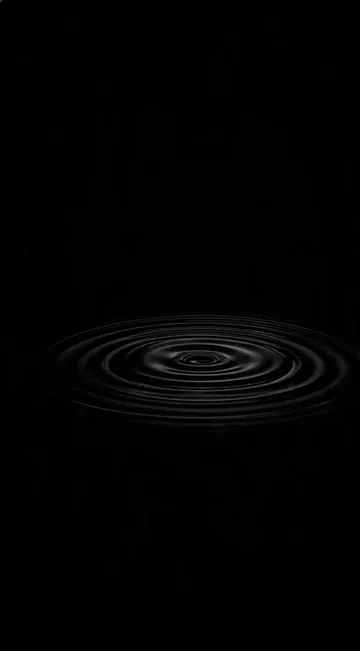
Deep blacks with soft, glowing color. Dark wallpapers look their best on AMOLED and OLED screens, where black areas stay truly black.
Made for AMOLED screens
On AMOLED and OLED displays, black pixels switch off, so dark wallpapers look deep and can use a little less battery.
Easy on the eyes at night
Low-light designs with soft color accents that suit dark mode and keep your icons easy to read.
Check the quality first
Open More info to see each wallpaper's resolution and file size before you download it.
Home, lock or both
On Android, set a wallpaper on your home screen, lock screen or both in one step.
Free, with no coins
Every wallpaper is free, with no subscriptions and no coins. GiggleWalls is supported by ads.
How to set your new wallpaper
-
01
Find it
Open Explore and tap Black under Collections, or search for "dark".
-
02
Check it
Tap a wallpaper to see it full screen, then open More info to check its resolution and file size.
-
03
Set it on Android
Tap Set and choose Home screen, Lock screen or Both.
-
04
On iPhone and iPad
Tap Download to save it to Photos. Open it in Photos, tap Share, then Use as Wallpaper.
Dark & AMOLED wallpaper questions
Do dark wallpapers save battery?
On AMOLED and OLED screens, black pixels are switched off, so a mostly black wallpaper can use slightly less power than a bright one. On LCD screens there is no difference, but dark wallpapers still look great.
Are the dark wallpapers free?
Yes. Every wallpaper in GiggleWalls is free, with no subscriptions and no coins. The app is supported by ads, and a short video ad unlocks each download.
Where do I find dark wallpapers in the app?
Open Explore and tap Black under Collections, or search for "dark". The Minimal collection is another good place for darker looks.